Photos, images and sketches · ready in seconds
Photo to stencil: turn any picture into clean tattoo lines
Upload a photo and get a print-ready tattoo stencil back in seconds: pure black lines on white, in outline, shading or hatching style. Then tidy the lines and print it true to size on your thermal or inkjet printer.
Try 5 stencils for $0.99 · editing and printing always free
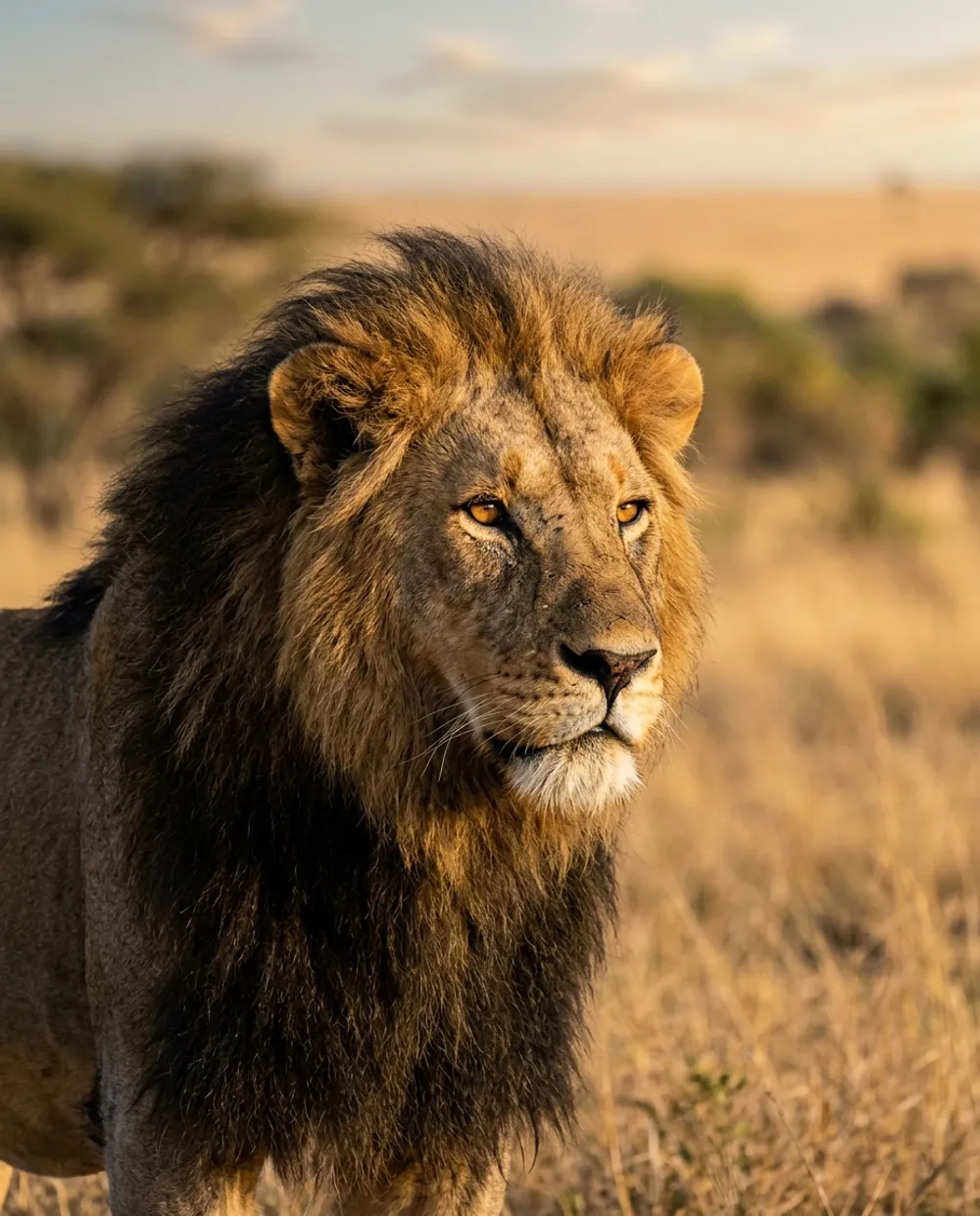
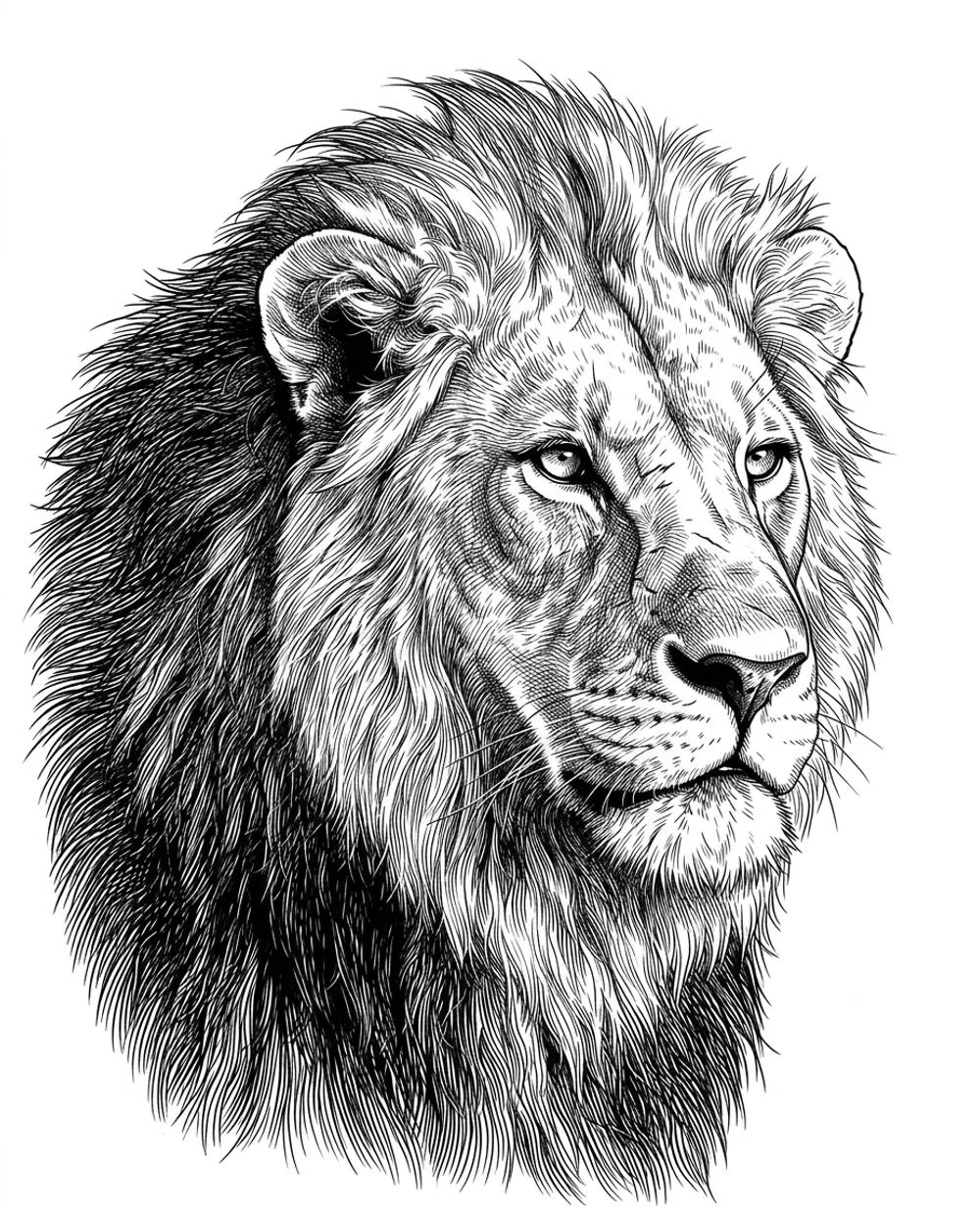
How it works
How to make a photo into a stencil
Three steps from the picture on your phone to a stencil you can put on skin.
- 1
Upload the photo
Pick a JPG, PNG, WEBP or iPhone HEIC picture up to 10 MB from your phone, tablet or computer. Nothing to install: it all runs in your browser.
- 2
Choose a stencil style
Outline for clean contours, shading for realism, hatching for engraving and blackwork. The stencil is ready in seconds.
- 3
Fix, size and print
Darken faint lines, erase stray marks, set the size in cm or inches and print true to size, or export PNG, SVG or PDF.
Three styles
One picture, three kinds of stencil
The same portrait as an outline, shading and hatching stencil. Pick the one that fits the piece, and switch with a click.
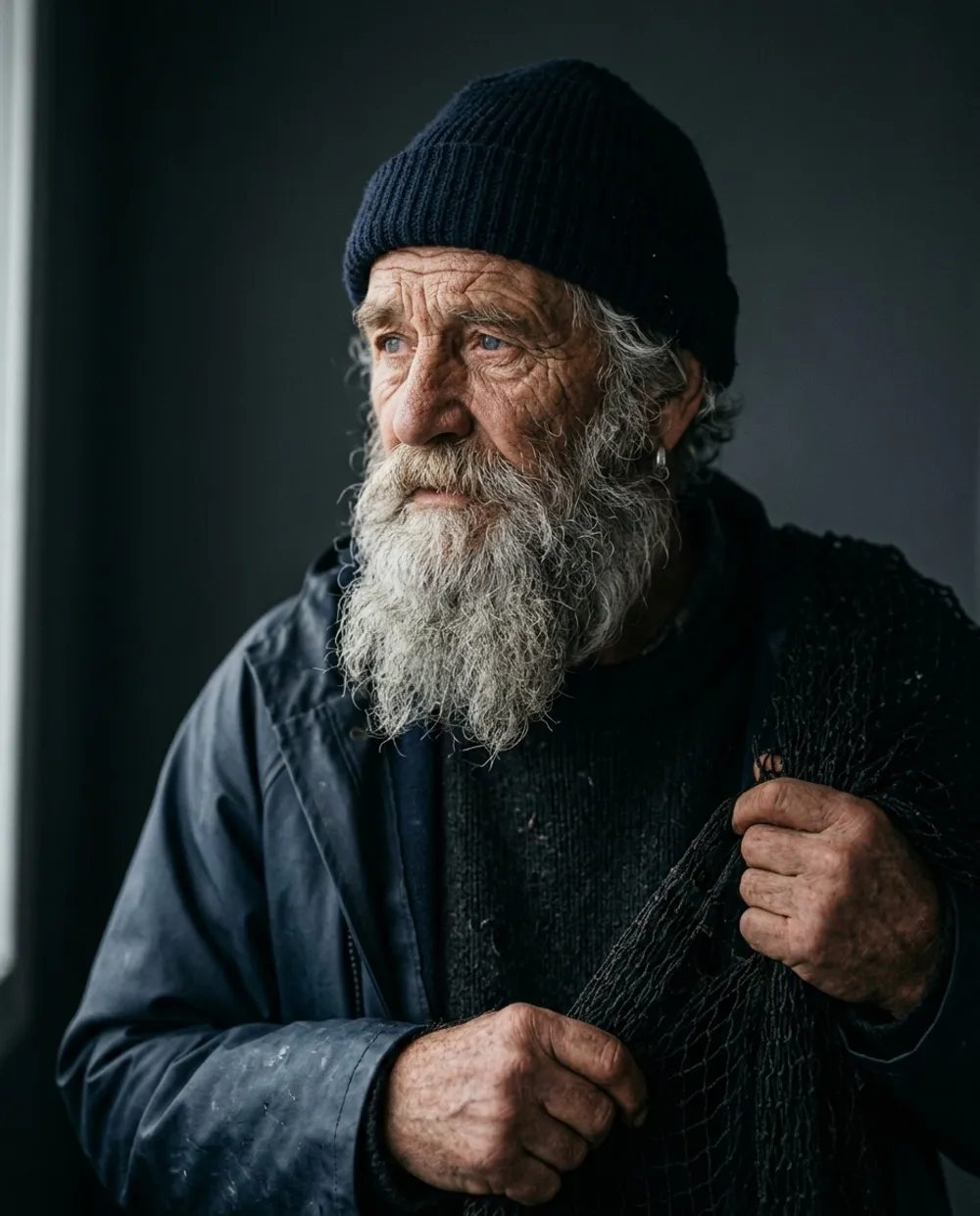
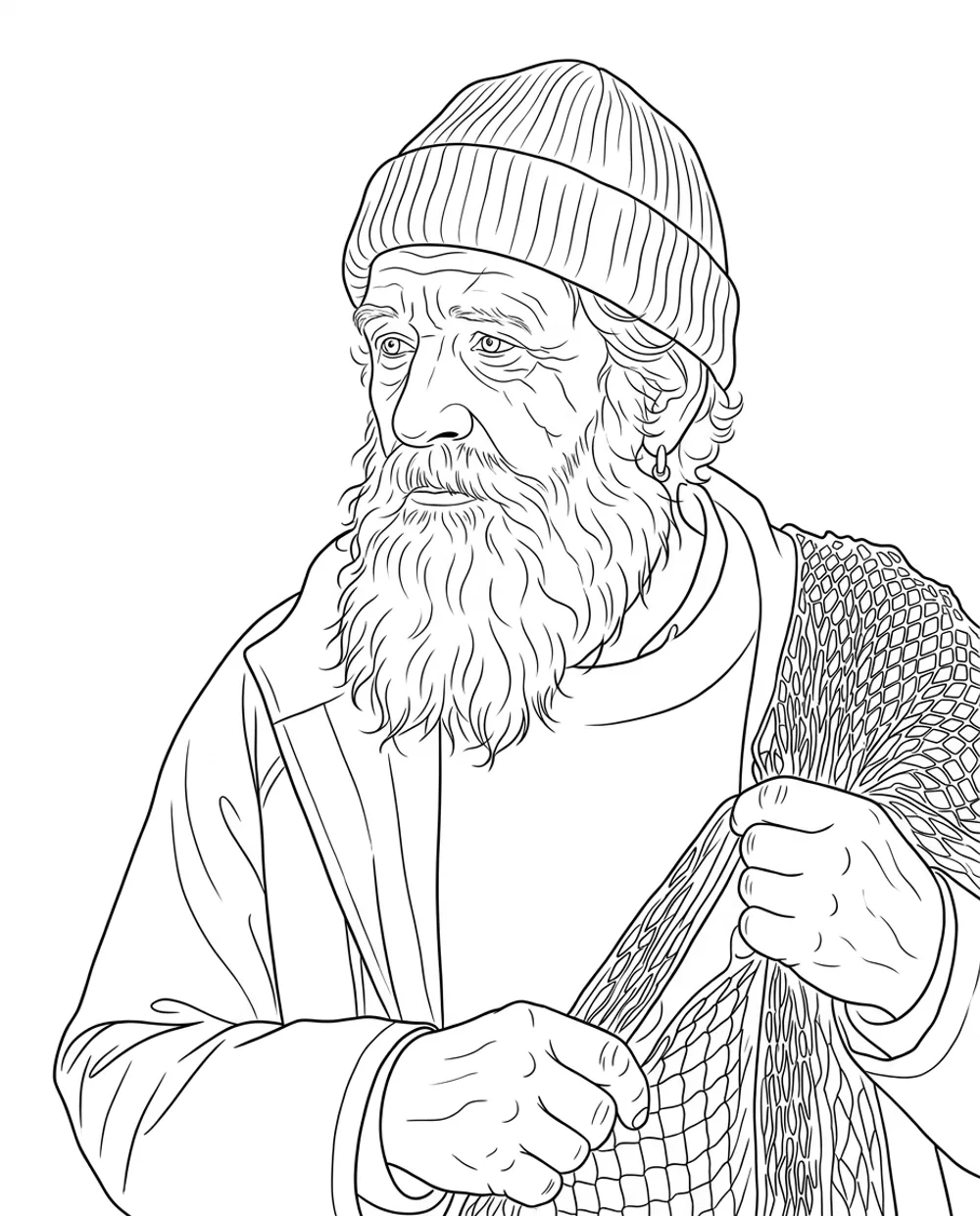
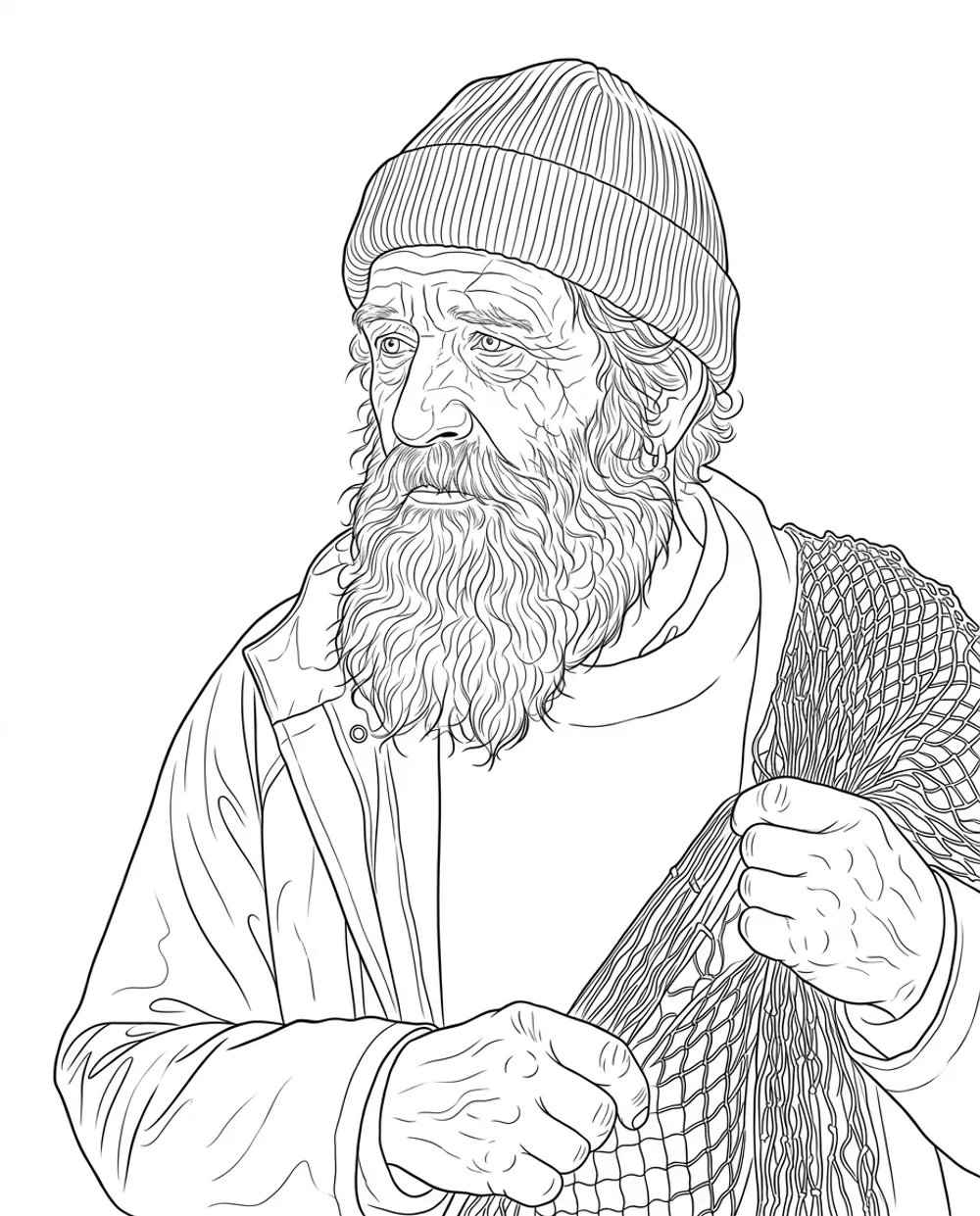
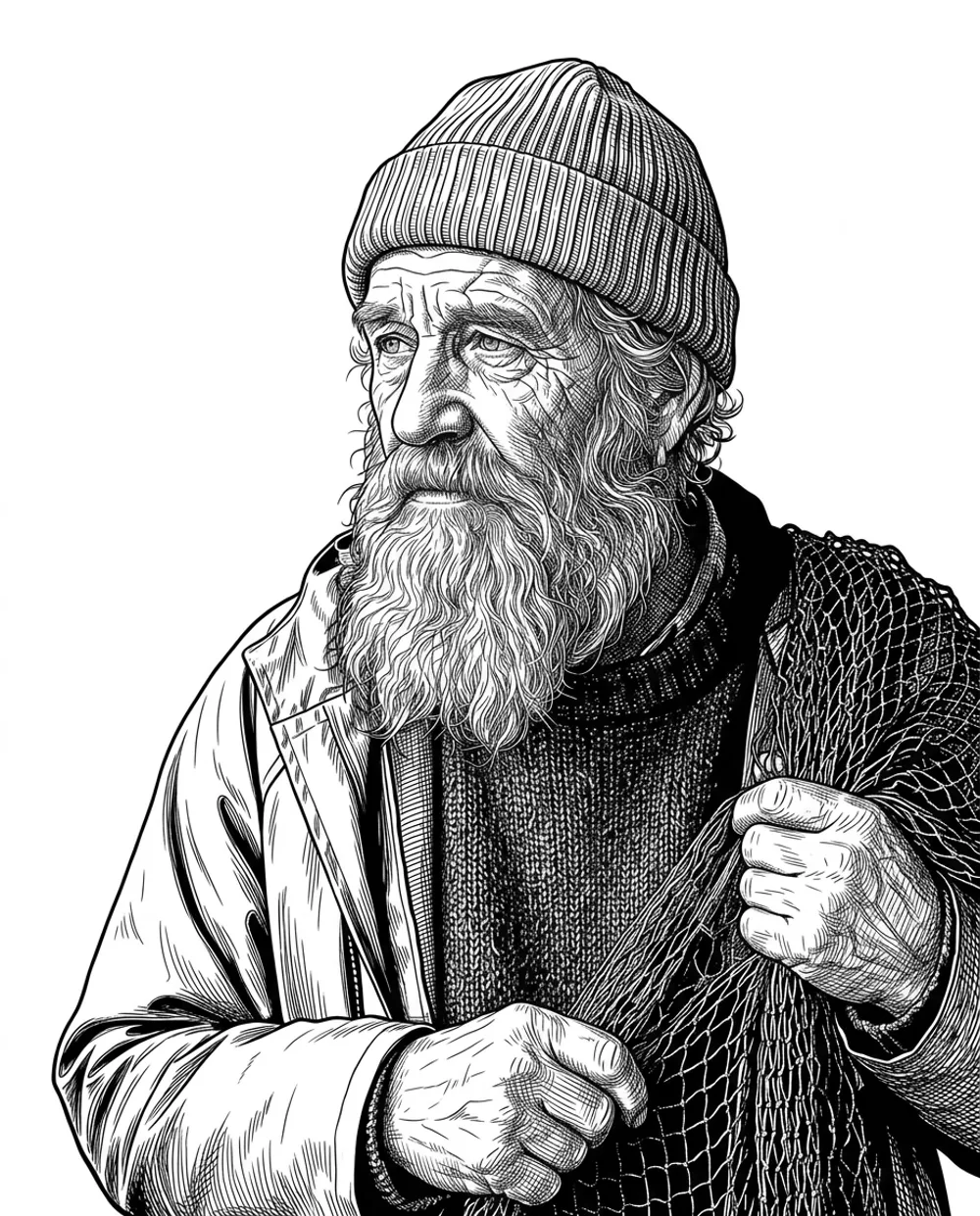
Image to stencil
Works with almost any picture
Photos give the most realistic stencils, but any clear image works: StencilPilot keeps the composition and redraws it as stencil lines.
Phone photos
Pets, portraits, flowers, objects. iPhone HEIC files work too.
Client references
The photo a client sends you, turned into a stencil before the session starts.
Drawings and sketches
Turn a pencil sketch or a busy drawing into crisp, closed lines that print cleanly.
Digital art
Artwork from Procreate or another drawing app, exported as an image.
Photo tips
What makes a good photo for a stencil
The stencil can only be as clear as the picture. A minute spent choosing the photo saves cleanup later.
Works best
- Sharp focus on the subject
- Even light, without hard shadows across the face
- The subject fills most of the frame
- A plain or simple background
- At least about 1000 px on the short side
Avoid
- Blurry, dark or heavily filtered photos
- A tiny subject in a big scene
- Busy backgrounds that touch the subject
- Watermarks, text or frames over the subject
- Pictures you don’t have the right to use
Compared
Photo to stencil vs. tracing by hand
Tracing still has its place. For detailed references, letting the tool draw the first version saves the most time.
- Time for a detailed portrait
- StencilPilot: Seconds, plus a few minutes of cleanup
- By hand: Often an hour or more
- Line quality
- StencilPilot: Clean, closed, even lines every time
- By hand: Depends on your hand and your patience
- Trying another style
- StencilPilot: One click
- By hand: Trace it again
- Size and printing
- StencilPilot: True size in cm or inches, tiled pages, ruler on every sheet
- By hand: Scale it by hand or on a copier
- Cost
- StencilPilot: From $0.19 per stencil; editing and printing free
- By hand: Free, but it costs your time
Prefer to do it by hand? Our guide on how to make a tattoo stencil covers tracing, stencil paper and printing step by step.
After the conversion
From stencil to skin without leaving the browser
Every stencil opens in the editor. None of these tools use credits:
- Pure black-and-white threshold and darker faint lines
- Remove specks and stray marks, erase by hand with undo
- Thinner or thicker lines, solid areas turned into outlines
- Mirror and a thermal-purple preview
- True-size printing on A4 or Letter, tiled for big pieces
- 300 DPI PNG, SVG and print-ready PDF
See plans and prices or the tattoo stencil maker overview.
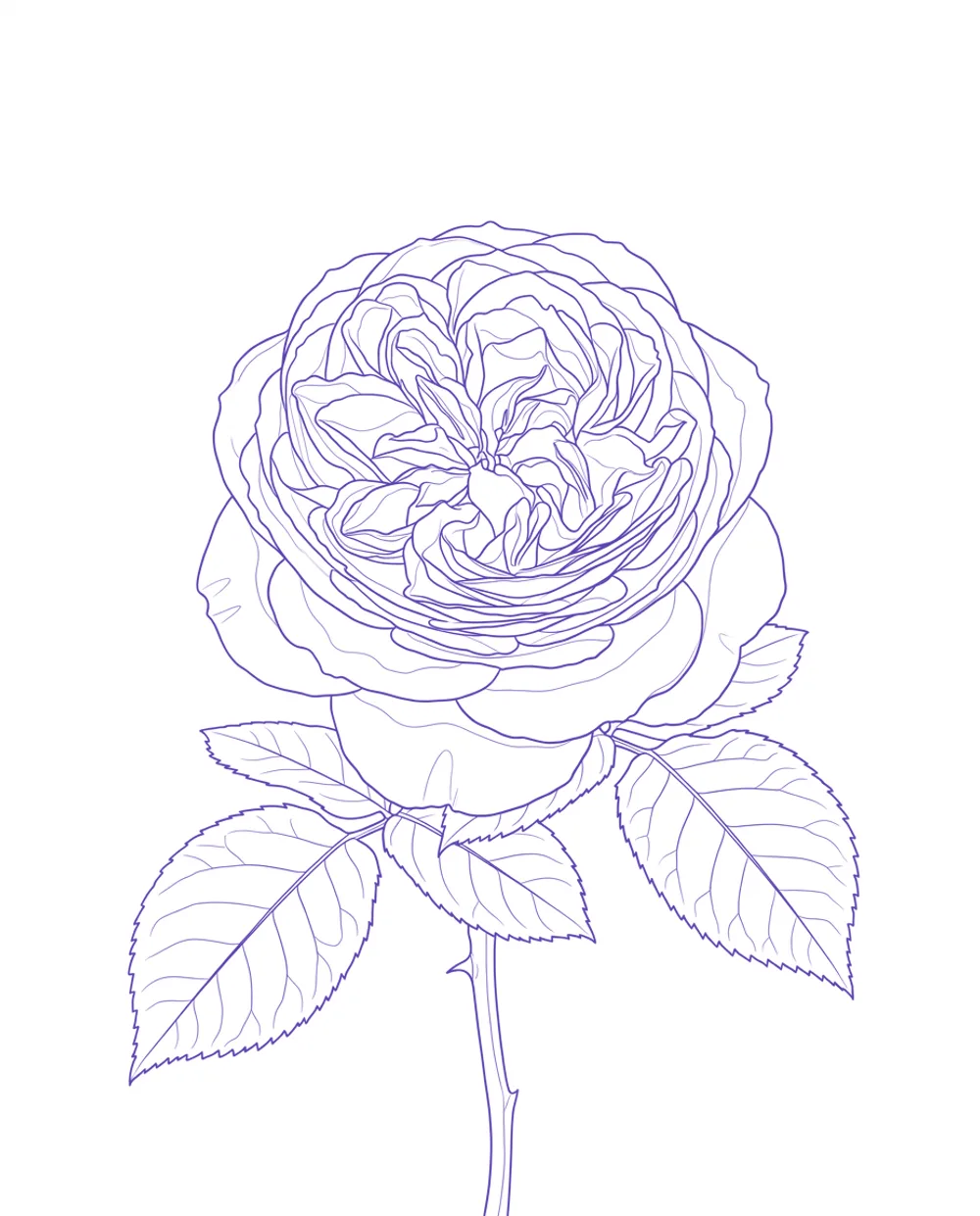
Thermal preview before you print
FAQ
Photo to stencil questions
Is there a free photo to stencil converter?
StencilPilot isn’t free, but you can try it with 5 stencils for $0.99, and editing, printing and exports never cost anything. Many free converters run an edge filter that keeps every texture and shadow edge; StencilPilot redraws the picture as clean, closed lines made for stencil printing.
Can I convert an image to a stencil online, without an app?
Yes. StencilPilot runs in the browser on your phone, tablet or computer. Upload the image, pick a style and print or download the stencil. There is nothing to install.
What image formats can I upload?
JPG, PNG, WEBP and iPhone HEIC photos up to 10 MB. The picture is resized in your browser before upload, so even large phone photos upload quickly.
Will a portrait stencil still look like the person?
The stencil keeps the exact composition, pose and proportions of the photo, so the likeness comes from the photo itself. Check the eyes and mouth before printing and touch up any stray line with the eraser.
Can I turn a picture into a stencil for something other than a tattoo?
Yes, as long as you need line art: the result is black lines on white that you can trace for drawing, painting, wood burning or crafts. It doesn’t make cut-out stencils with bridges for spray painting.
Can I use any picture I find online?
Only use pictures you have the right to use, such as your own photos or a client’s reference. Photos of real people must not be used for sexual content or to make someone appear to do something they didn’t.
Are my photos private?
Yes. Photos and stencils are stored privately and shown only to you through expiring links. Uploaded photos are deleted automatically after 30 days, and you can delete any stencil and its photo at any time.
Turn your photo into a stencil
Upload a picture and get clean, print-ready lines in seconds.
Make a stencil